Connect
Hook up MySQL, MariaDB, PostgreSQL, or SQLite — or open a local .sql / .sql.zip dump in the desktop app.
explore & manage your database
Peek at your data. Ask questions — or chat with AI. Unlock editing when you need it.
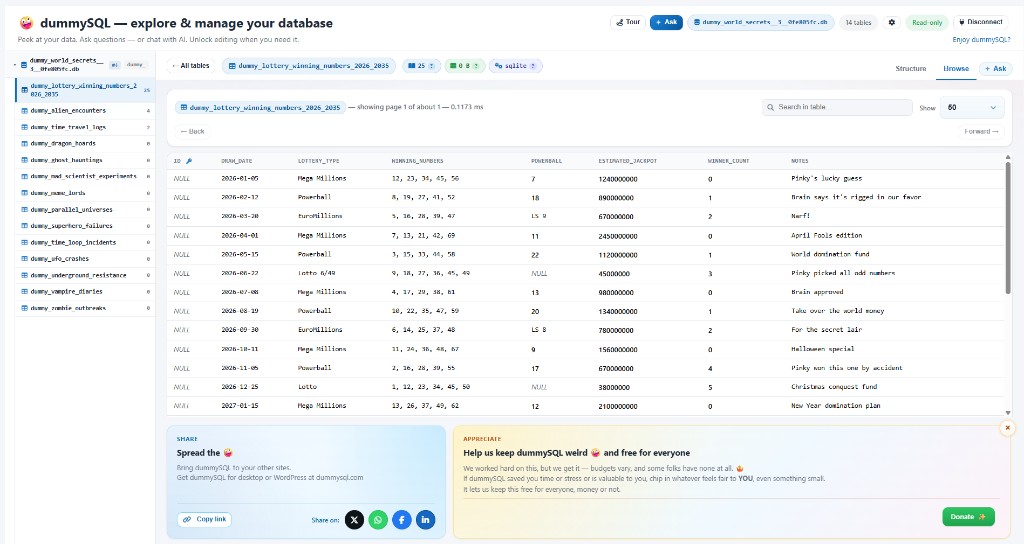
Connect, explore safely, then ask — without turning into a DBA overnight.
Hook up MySQL, MariaDB, PostgreSQL, or SQLite — or open a local .sql / .sql.zip dump in the desktop app.
Start read-only. When you need writes, unlock Edit-mode on purpose — no accidental “oops” updates.
Ask in plain language, run guided questions, or write SQL in pro mode. AI can draft the query for you.
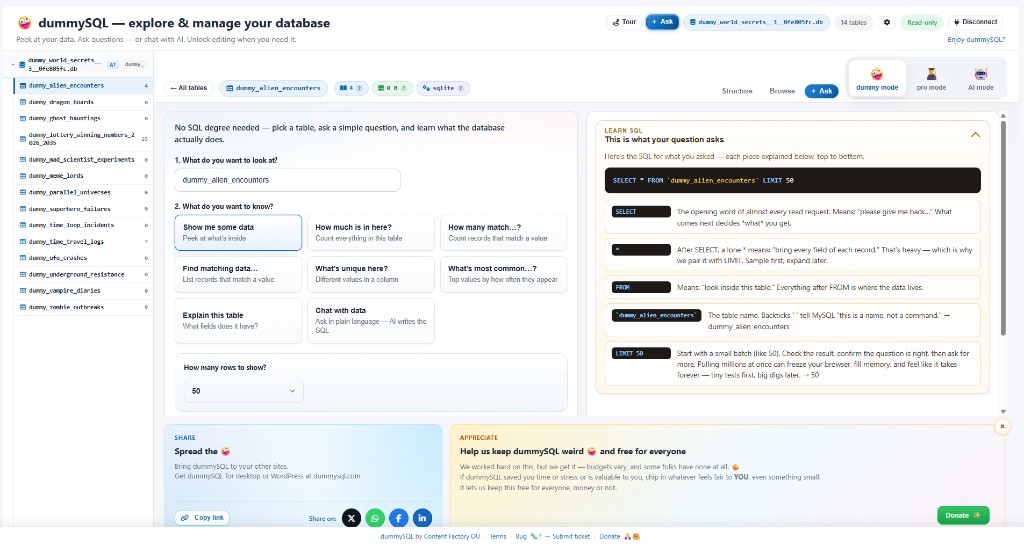
dummy mode turns curiosity into readable SQL. Pick a question, see the statement, and learn word-by-word what each part does.
Chat with your tables. Bring OpenAI, Grok, Claude, Gemini, local Ollama, and more. Keys stay on your machine (desktop) or your WordPress site.
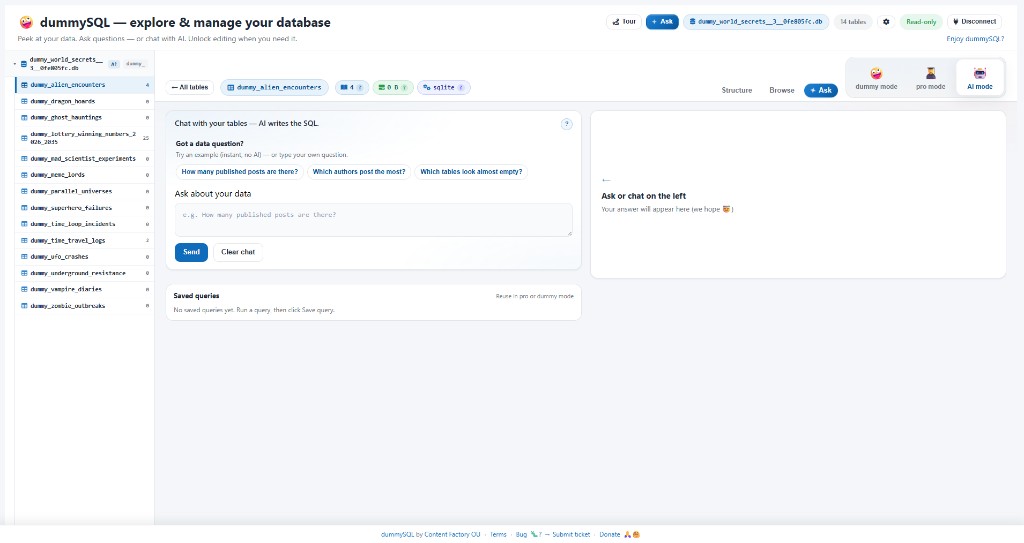
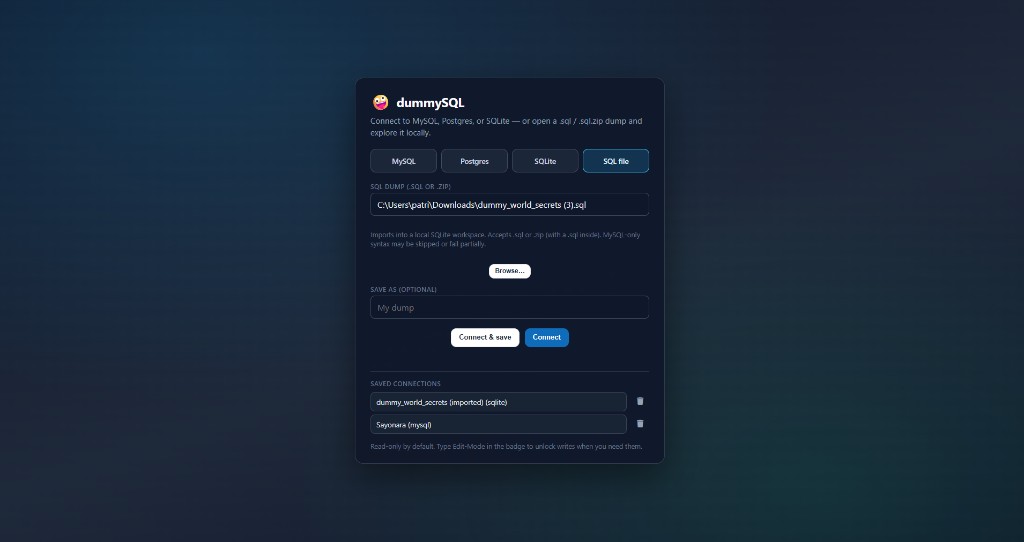
The Windows and macOS apps connect to live databases or import a dump into a local SQLite workspace — perfect for peeking without a server dance.
See the explorer up close — tap any shot to open it fullscreen.
Same playful explorer — wherever your data lives.
Explore your site’s MySQL from Tools → dummySQL. Guided questions, Learn SQL, AI Ask.
Native desktop app with local dump import and full connect options.
Desktop explorer for Mac — same modes, same silly logo energy.
dummySQL speaks these locales in the app and plugin — and this site theme is translation-ready for the same set.